
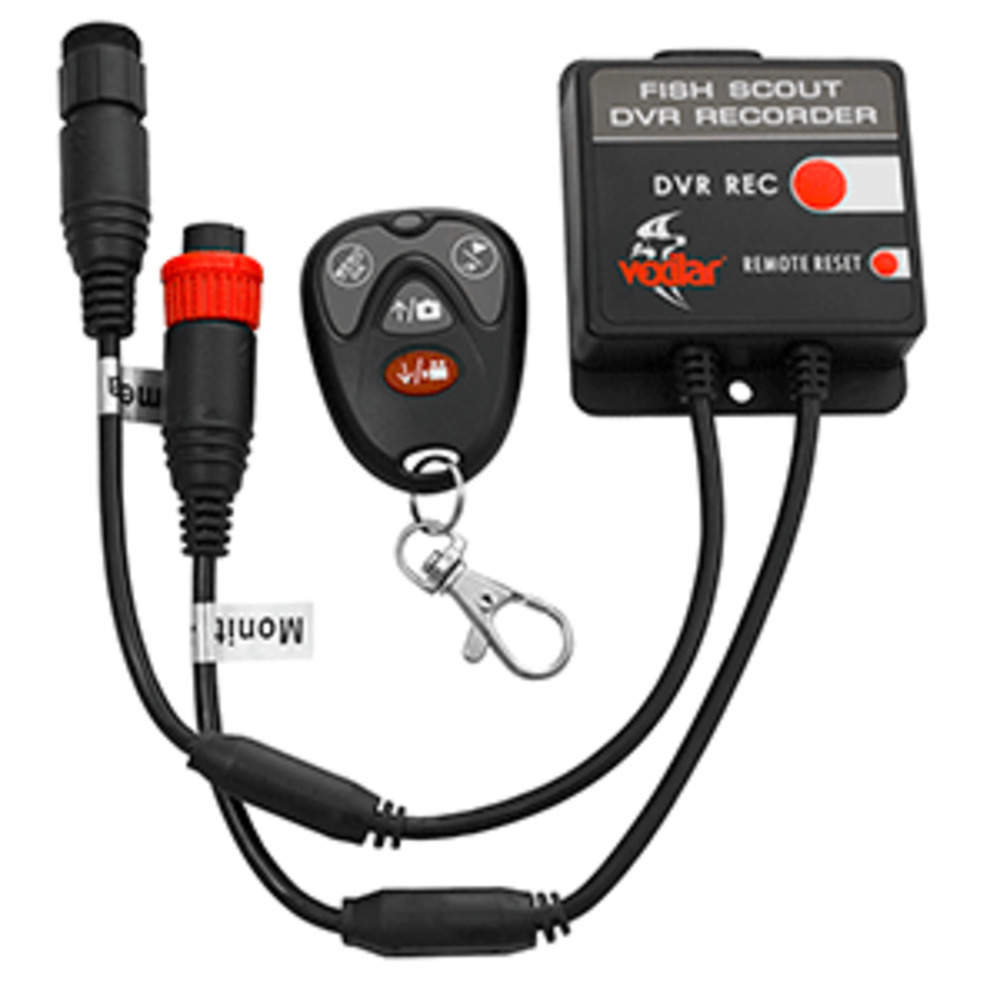
Description
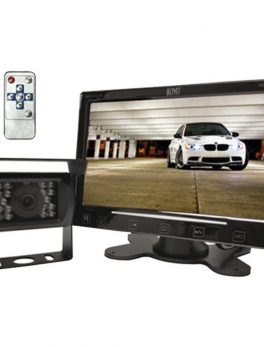
Portable Digital Video Recorder with Remote for Fish Scout Camera Systems
Features:
- Playback/Right: Press to playbackvideos/photos or move right when selecting menu items
- LED indicator: Lights up when any button of key fob is pressed
- Menu/OK: Press to bring up the menu or select menu items
- Photo/Up: Press to take a photo or move up when selecting menu items
- Rec/Down: Press to start/stop video recording or move down when selecting menu items
Micro SD card slot: Up to 32 GB (not included) - Record: Press to start recording. Press again to stop recording
- Remote reset: To pair a new key fob with the DVR, press the reset button and then keep pressing any button on the new key fob for about five seconds
- Connect to camera or DTD controller box
- Connect to monitor
- Max recording time: 2GB: 4h 4GB: 8h 8GB: 15.5h 16GB: 32h
Set Date and Time:
* Power on the DVR.
* Press the Menu button on and nbspthe key fob.
* Press the Right button untilreaching Set Date Time.
* Press the OK button to and nbspbegin.
* Use the Up/Down buttons and nbspto set the correct date and and nbsptime.
* Press the OK button again and nbspto finish.
Recording Video:
When the DVR is in standby and nbspmode, press the Rec button and nbspon the key fob or the DVR and nbspunit to start recording video. and nbspPress the Rec button again and nbspto stop recording.
Taking a Photo:
When the DVR is in and nbspstandby mode, press the and nbspPhoto button on the key and nbspfob to take a photo.
Playback of Videos/Photos:
When the DVR is in standby mode, press the Playback button on the key fob. The latest video or photo will be displayed.Follow the on-screen instruction to view more recordings.
 WARNING: This product can expose you to chemicals which are known to the State of California to cause cancer, birth defects or other reproductive harm. For more information go to P65Warnings.ca.gov.